
OrcaSlicer and Bambu Studio from their official releases, unpacked so they run without FUSE 2, with the certificate prompt gone, the cursor trap gone, and file types wired up.
LayerMaker software · open source
omarchy-maker
The maker desk for Omarchy: slicers that behave, OrcaSlicer from the keyboard, models from a sentence, Blender and OpenSCAD in the workflow, and your printers in the bar.
Free and open source under the MIT license. Built and checked on a real Omarchy 4.0.3 machine. As far as we can find, the first 3D printing and CAD toolkit made for Omarchy.
Install in one line
curl -fsSL https://github.com/LayerMakerLab/omarchy-maker/releases/latest/download/install-omarchy-maker.sh | bashIt downloads the release, checks it against the published checksum, unpacks it into your home directory and runs the installer, which asks which apps to download: OrcaSlicer, Bambu Studio, OpenSCAD. Nothing needs sudo. The same line again updates. The release page has the archive and checksums: latest release on GitHub.
Control + Alt + one key for the pages, presets and print window that only take the mouse on Wayland, and one menu with everything in words. Orca's own keys are never touched.
Describe it or give a picture; Meshy makes it, maker checks and repairs it, sizes it, stands it on the plate and hands it to the running Orca.
Laid down, 10% infill, no brim, and only the supports it really needs, weighed rather than guessed. Then the print window, the two switches and Send, all from the keyboard.
A figure too big for one print is cut into parts that slot together, each rendered before it is printed. Blender does the cutting; OpenSCAD's current daily build is there for the parametric bits.
Bambu Lab over your own network and Klipper through Moonraker: progress in the bar, a panel with every printer, a notification when a print ends.
On a real machine
What it looks like.
Four screenshots from the Omarchy laptop it was built on. Nothing staged.
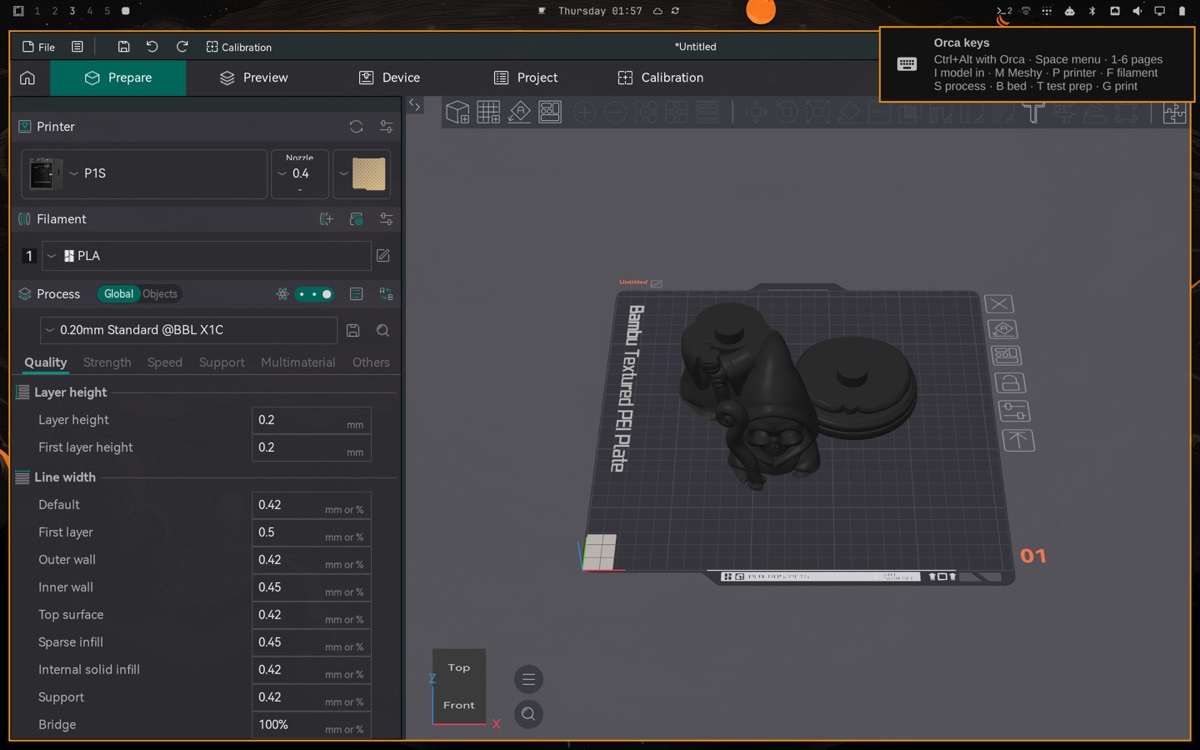
OrcaSlicer
The keys, on screen when you want them.
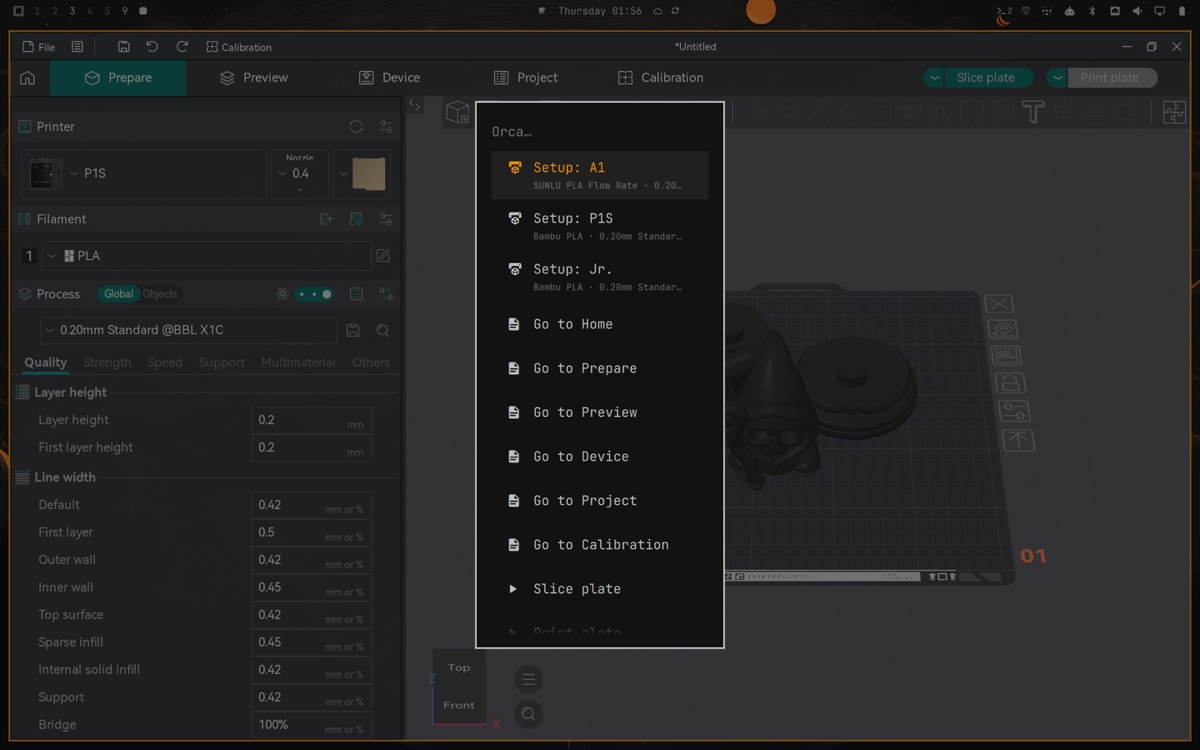
One menu
Every page, action, setup and preset in words.
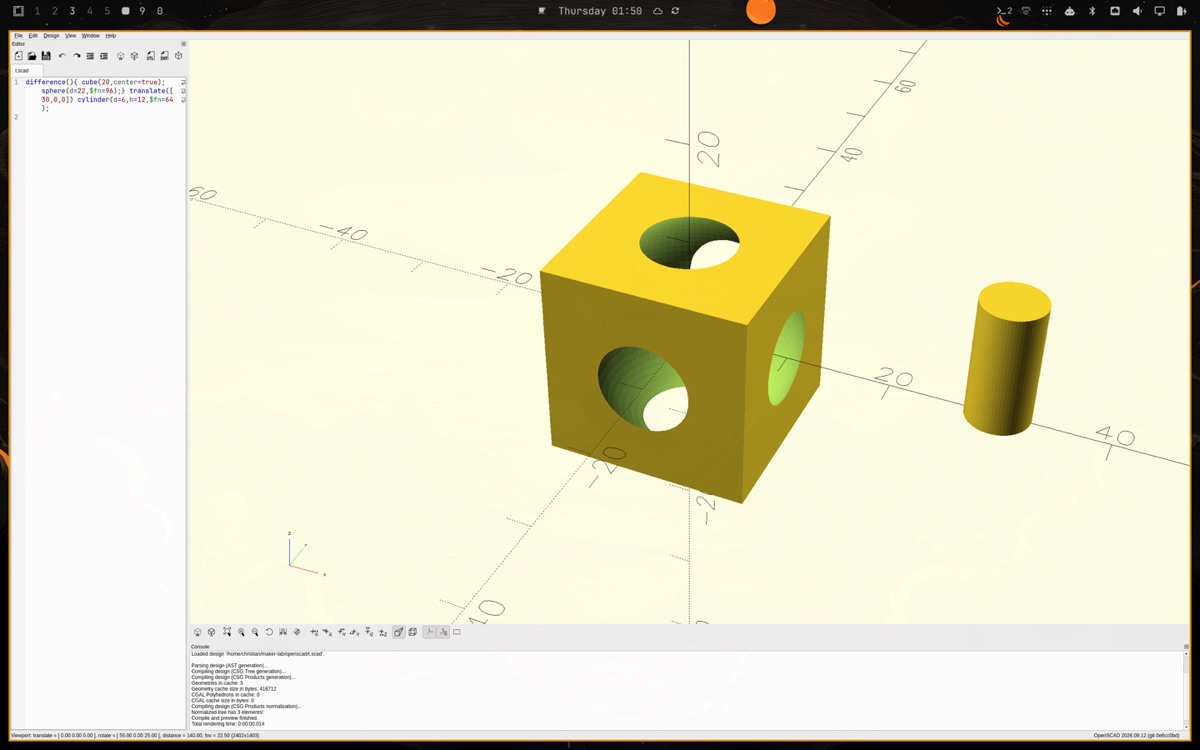
OpenSCAD
The current daily build, on its own workspace.
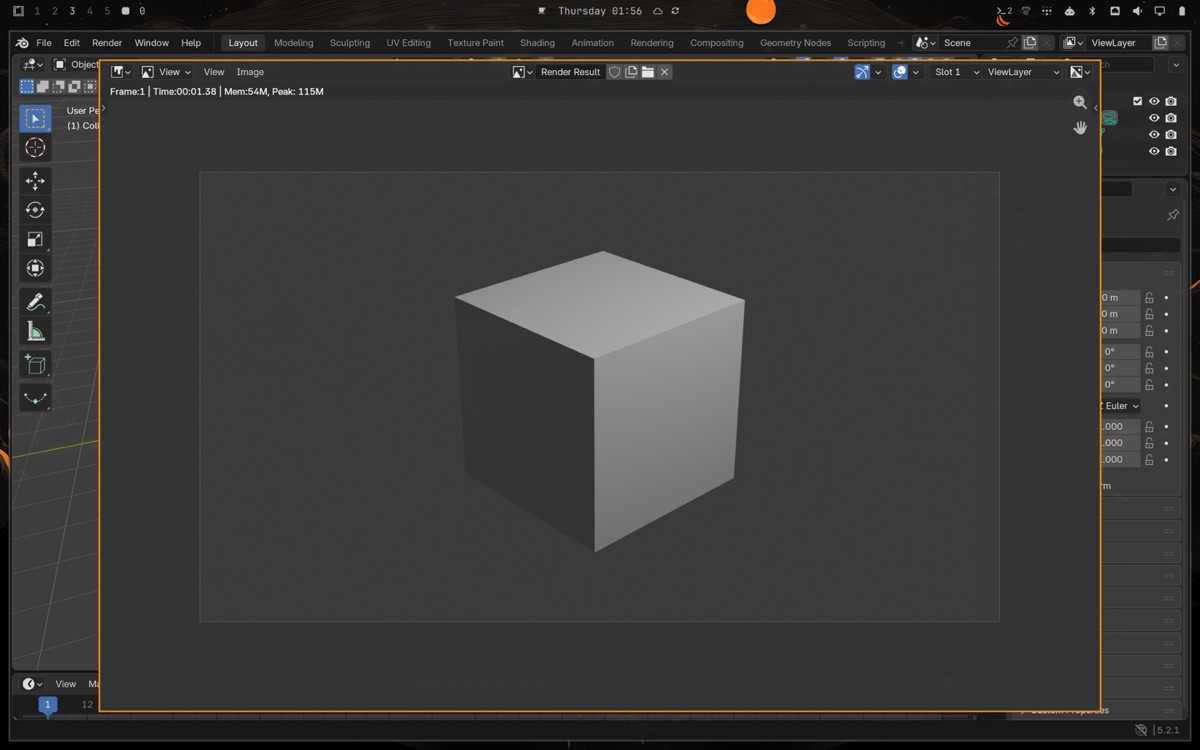
Blender
Pop-ups float at a usable size instead of tiling.
What it fixes on a stock Omarchy 4
- The AppImages would not start: Omarchy ships without FUSE 2. maker unpacks them into your home directory.
- Both slicers asked about the system certificate store on every launch. The launchers point them at Arch's CA bundle.
- Ctrl+Shift+G in Orca's Preview trapped the cursor. A window rule turns off focus-follows-mouse for Orca, the same rule Omarchy ships for JetBrains IDEs.
- Orca's page tabs, preset lists and print window only answered the mouse on Wayland. Now each has a key, read off the screen and clicked for you.
- A Blender or OpenSCAD opened next to Orca took half of it. Each maker app has a workspace of its own; Blender's Preferences, render and file browser windows float where you can use them.
- OrcaSlicer stuttered after sitting idle because zram swap had pushed part of it out. The slicers run in a scope with swap off and more CPU share.
- Arch's OpenSCAD package is the 2021 release without Manifold. maker takes the daily build and runs it on XWayland, scaled to the screen.
Every row was reproduced and checked on an Omarchy 4.0.3 machine; the project's FIXES file has the steps and the evidence. Two keys to remember: Ctrl+Alt+O brings OrcaSlicer, Ctrl+Alt+Space lists everything else.
Source, releases, issues
The code, the README with every key and every fix, and the release page are on GitHub: github.com/LayerMakerLab/omarchy-maker. Blender comes from pacman, OpenSCAD from the project's daily build, and the slicers from their own release pages; omarchy-maker installs and looks after them, and its uninstaller puts everything back.