Text to videoType a scene
 Agave Studio
Camera · Dolly in
01 — Create
02 — Camera

03 — Studio
Image, video and audio jobs run side by side. Watch each one move from queued to done.
Add a key once in Settings. Every model behind it lights up.
Drag across the frame. Left is a 296px frame, right is the same frame after a real 4x upscale.

 296px4x upscale
Pin a face, a product or a style. Reuse it in every shot.
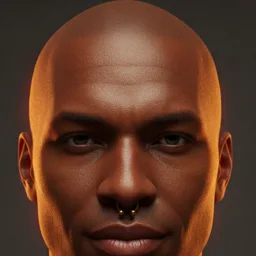
A Mac app wraps the same workspace, with a Rust engine underneath.
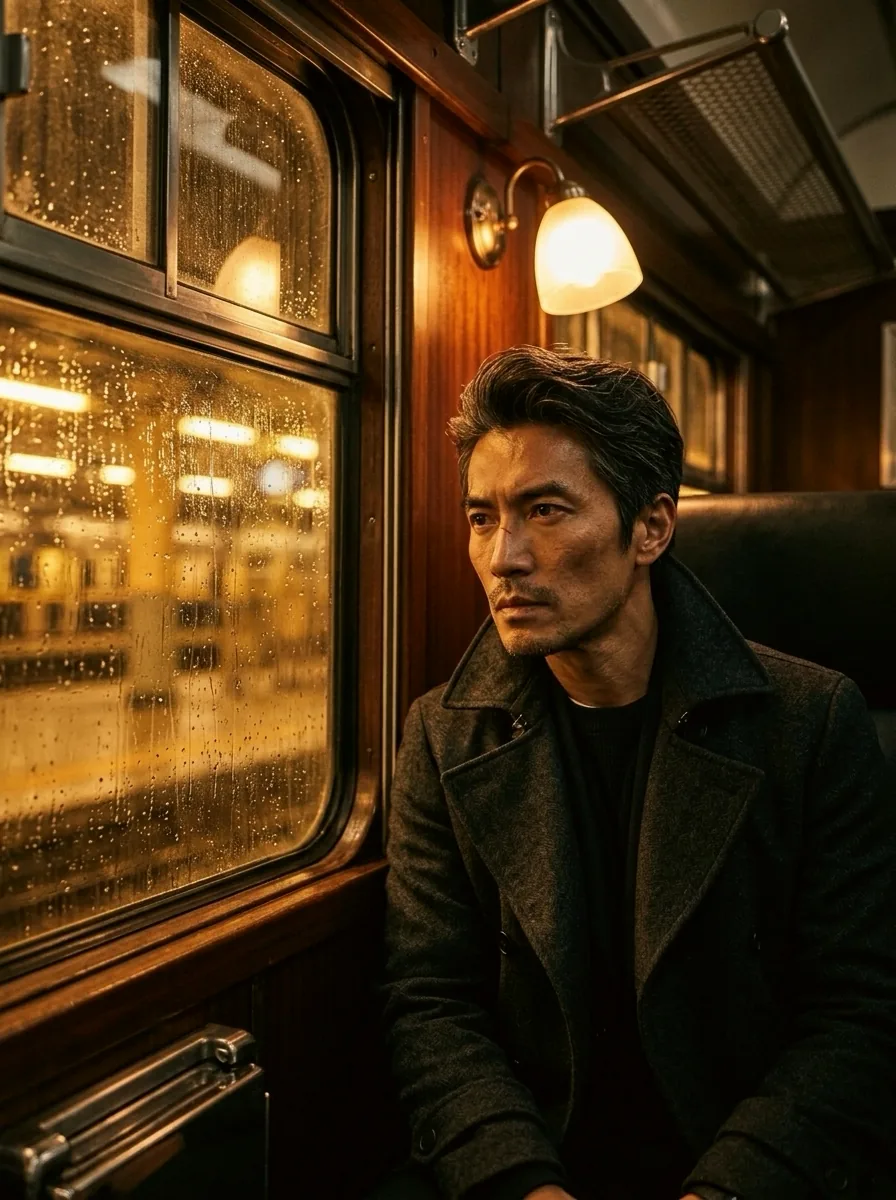
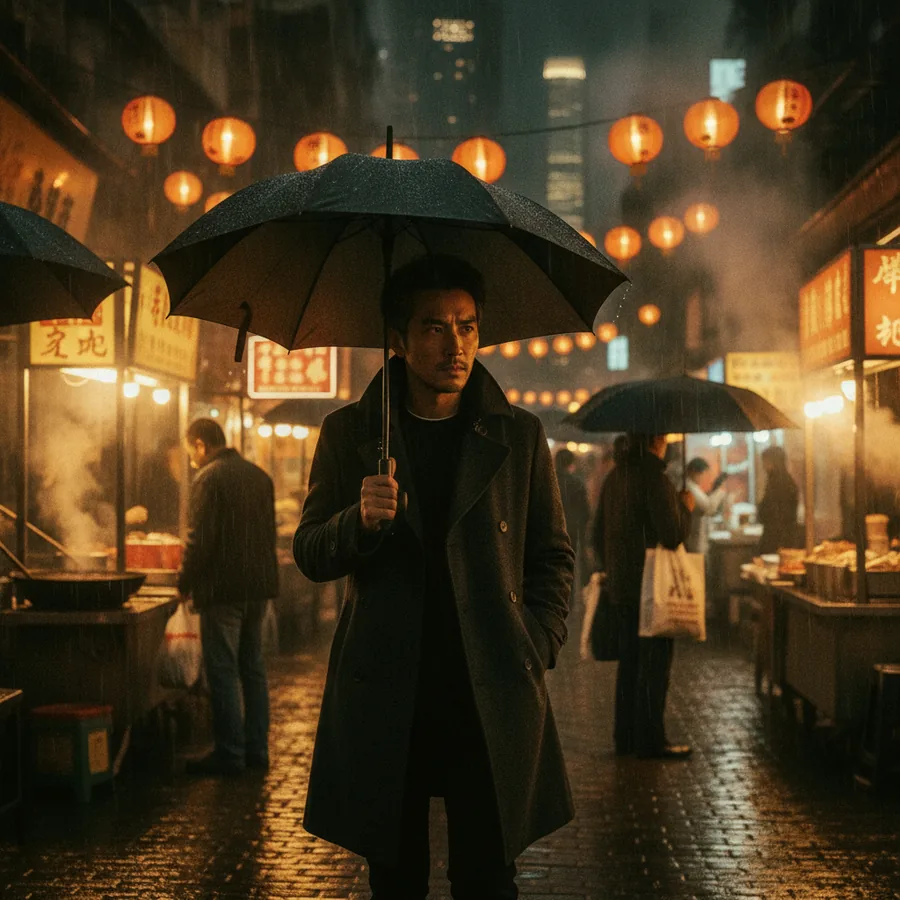
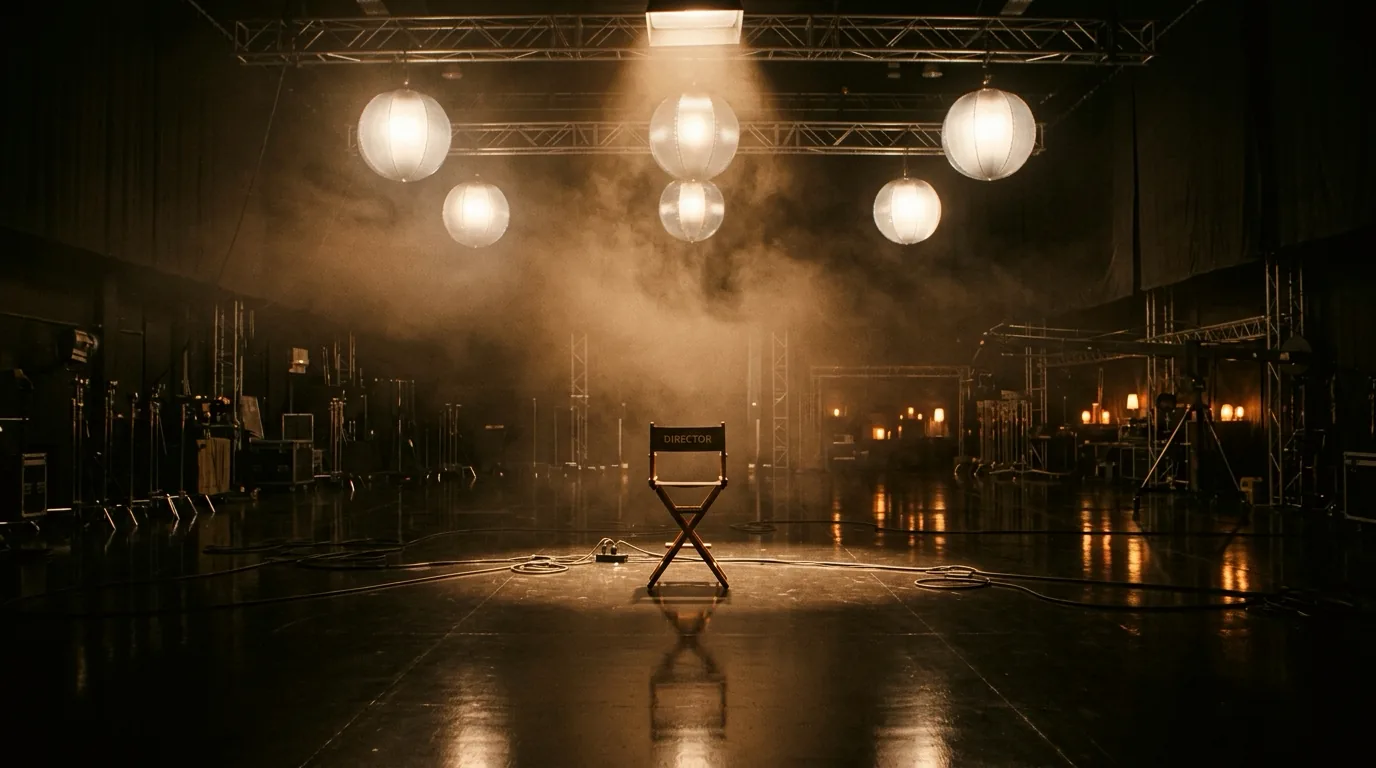
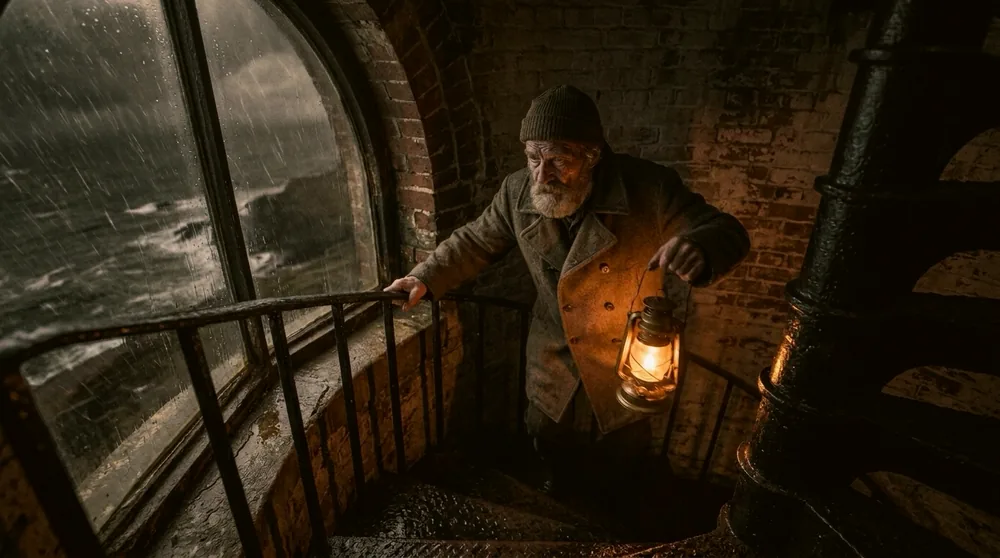
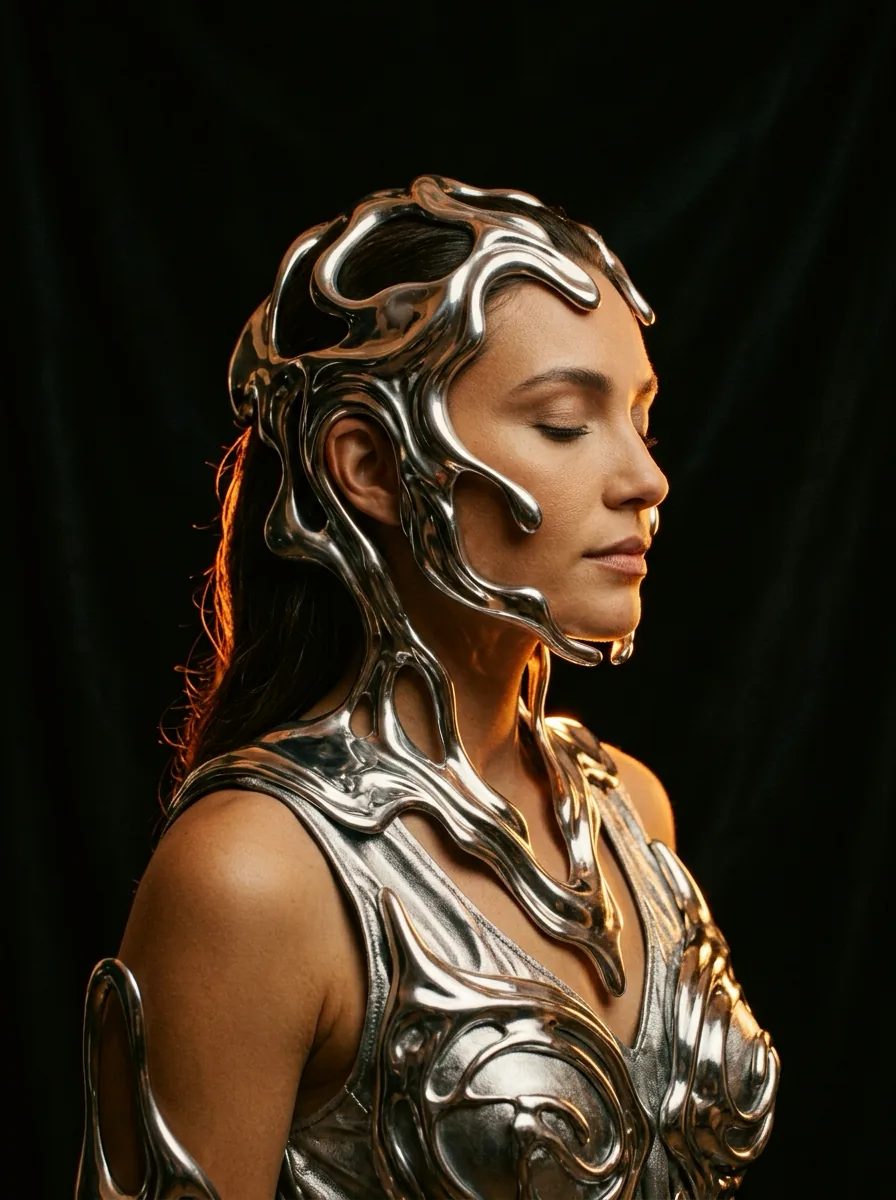
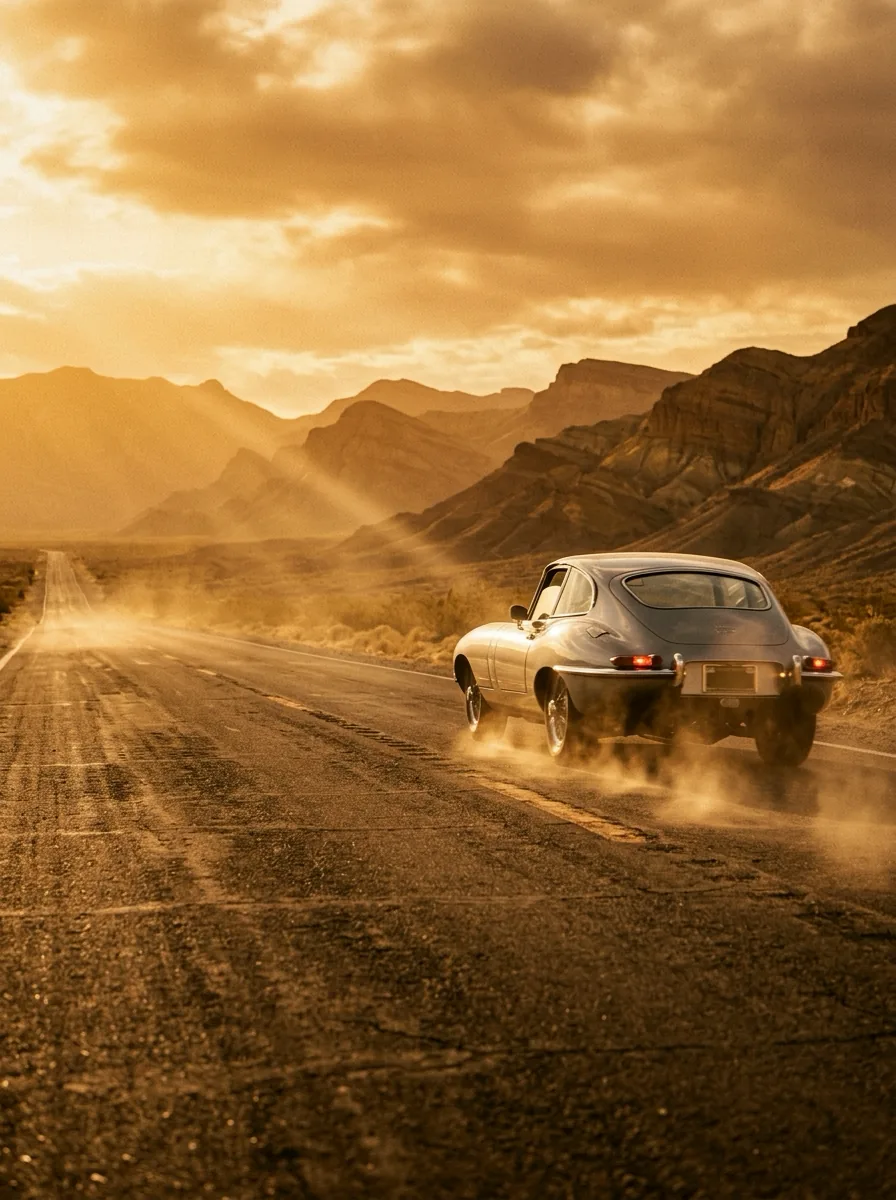
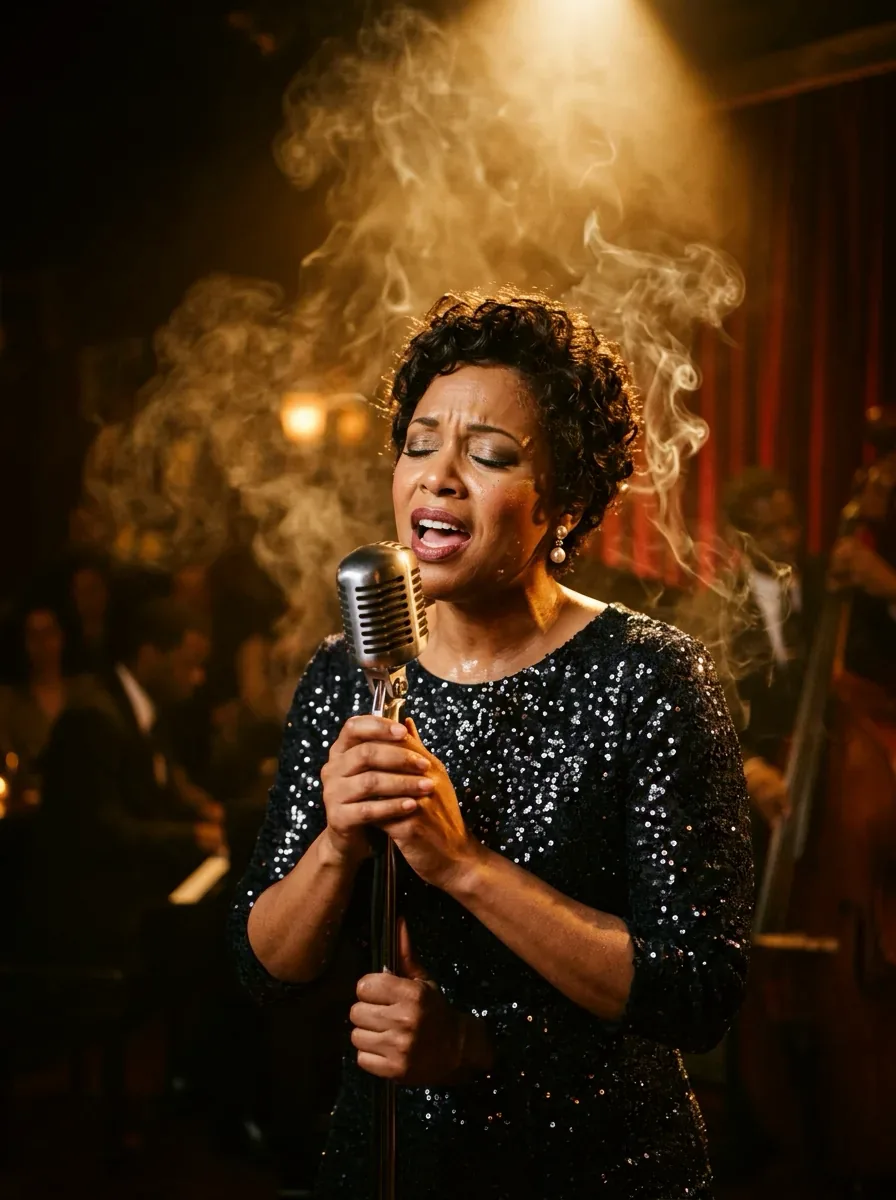
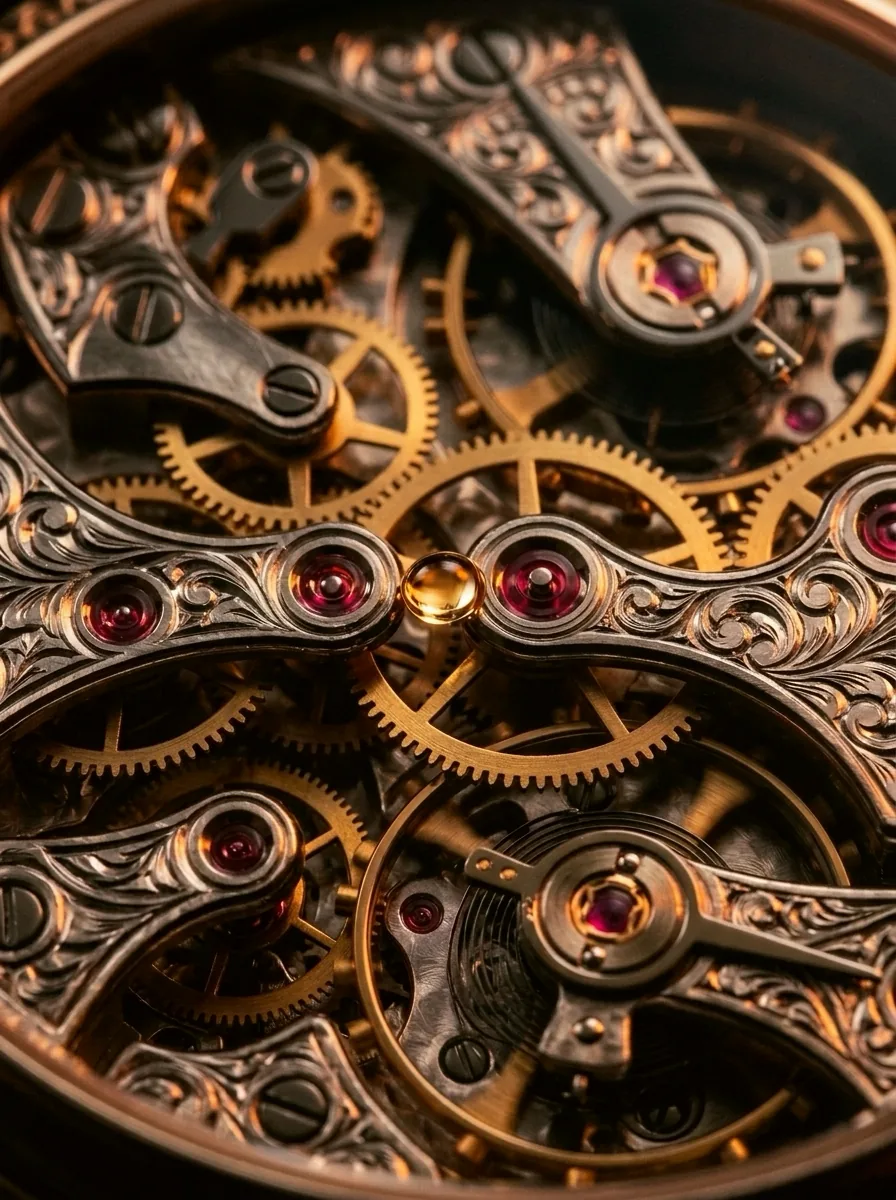
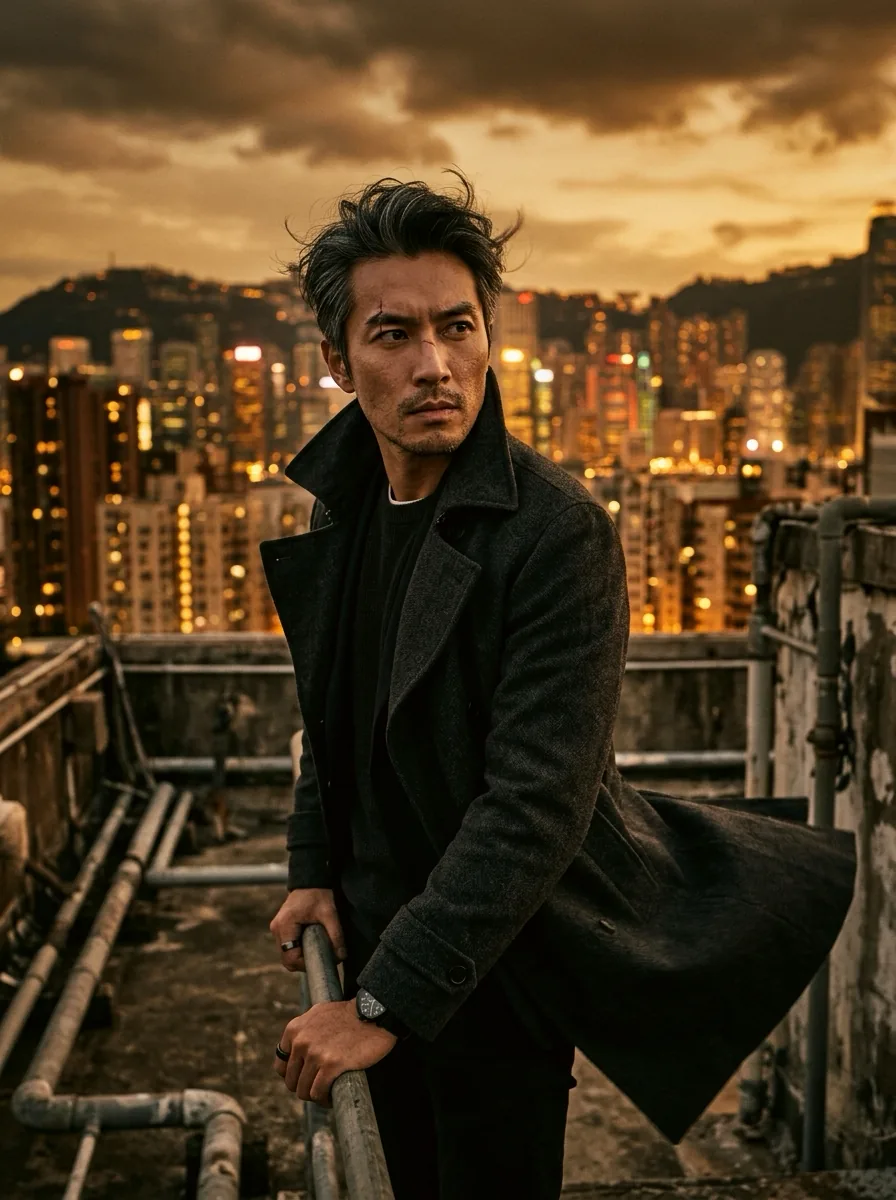
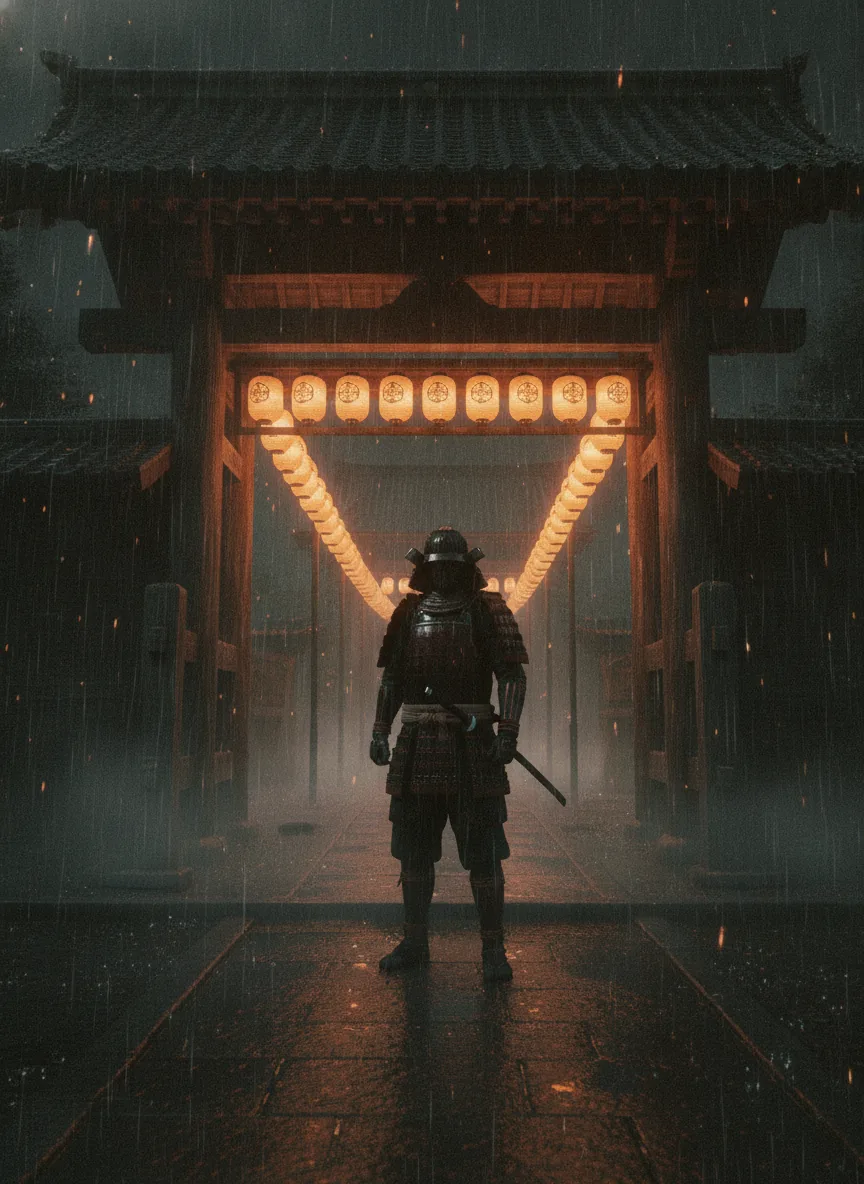
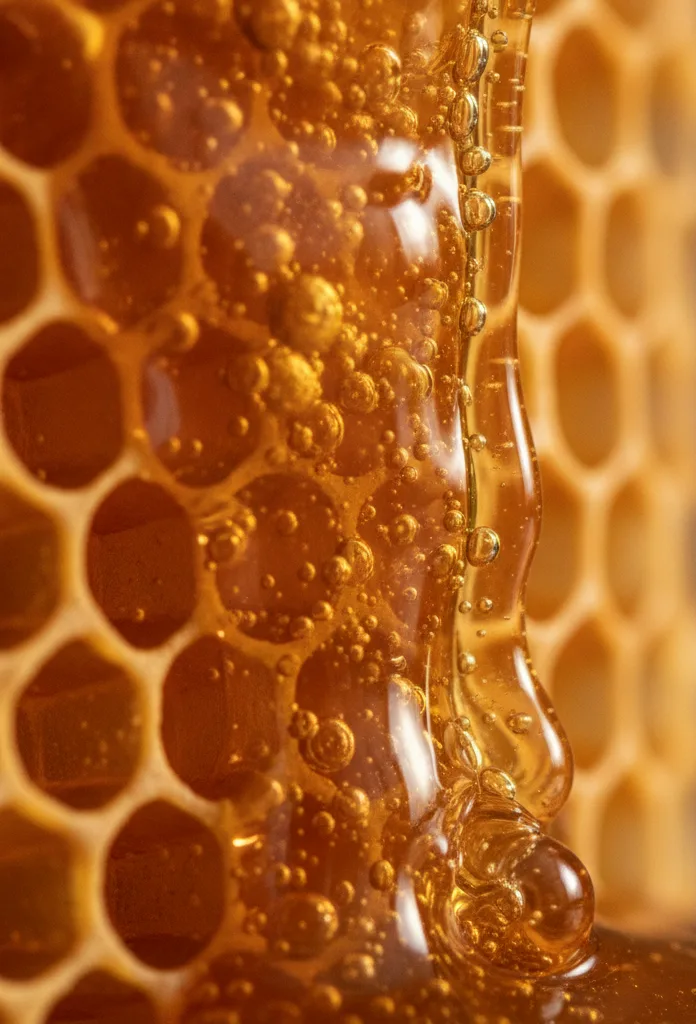
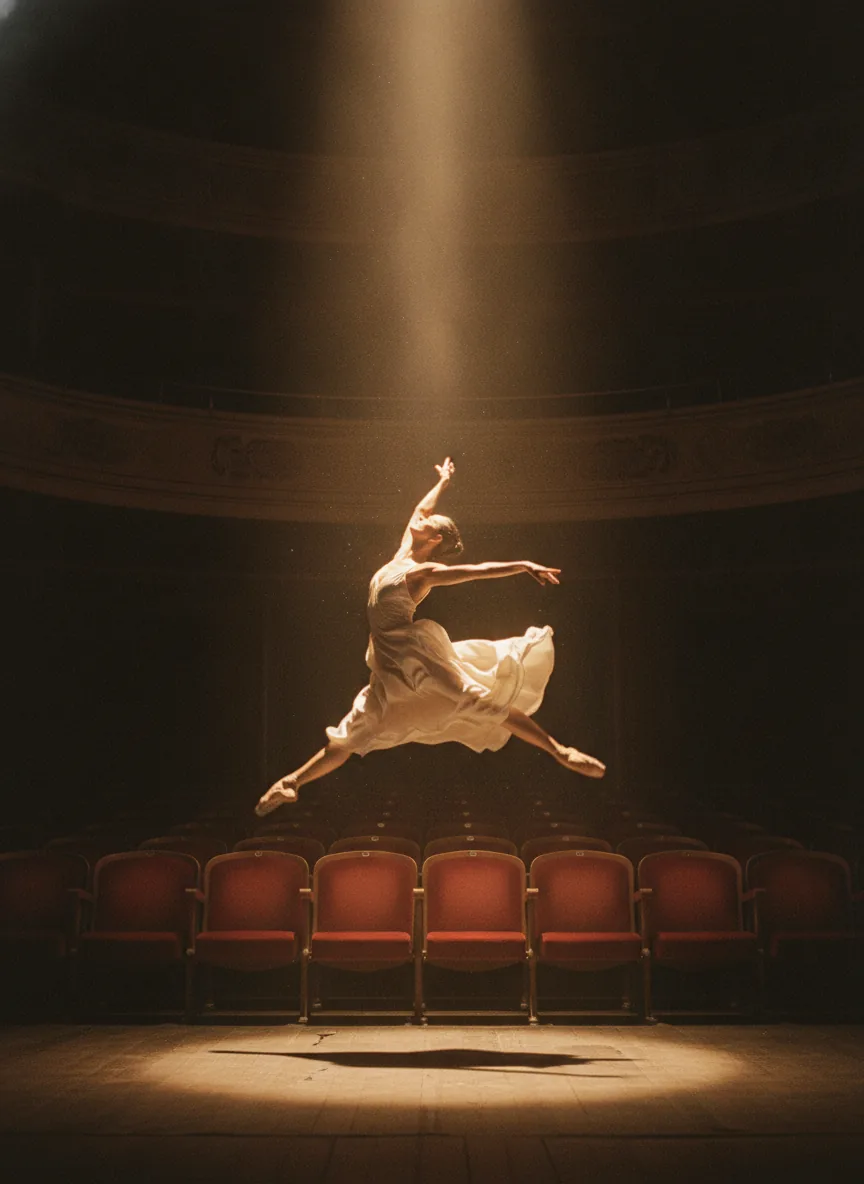
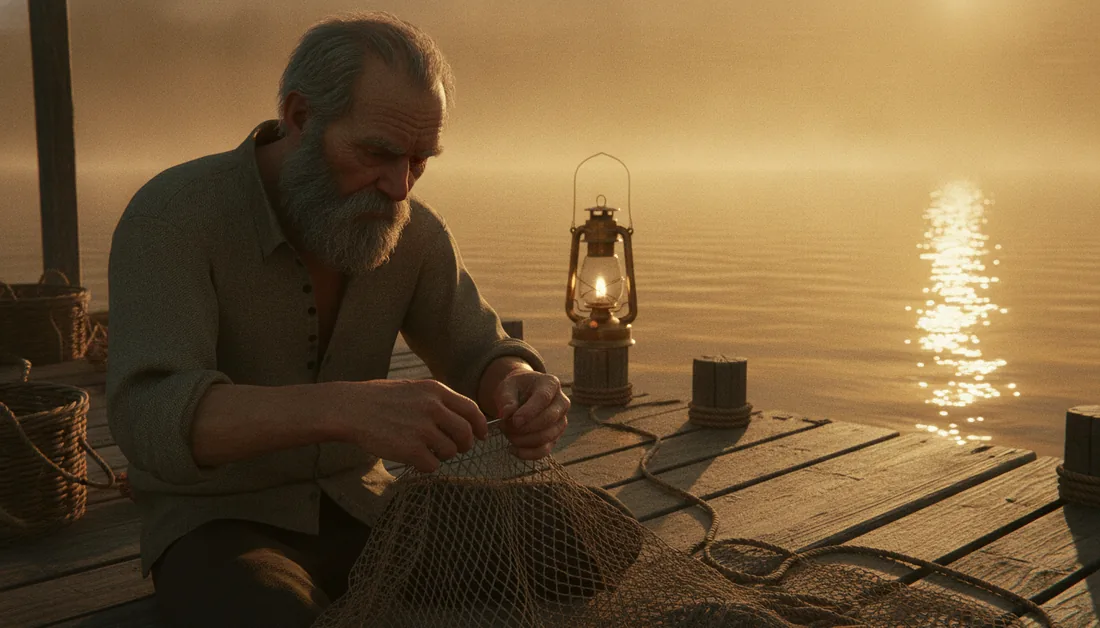
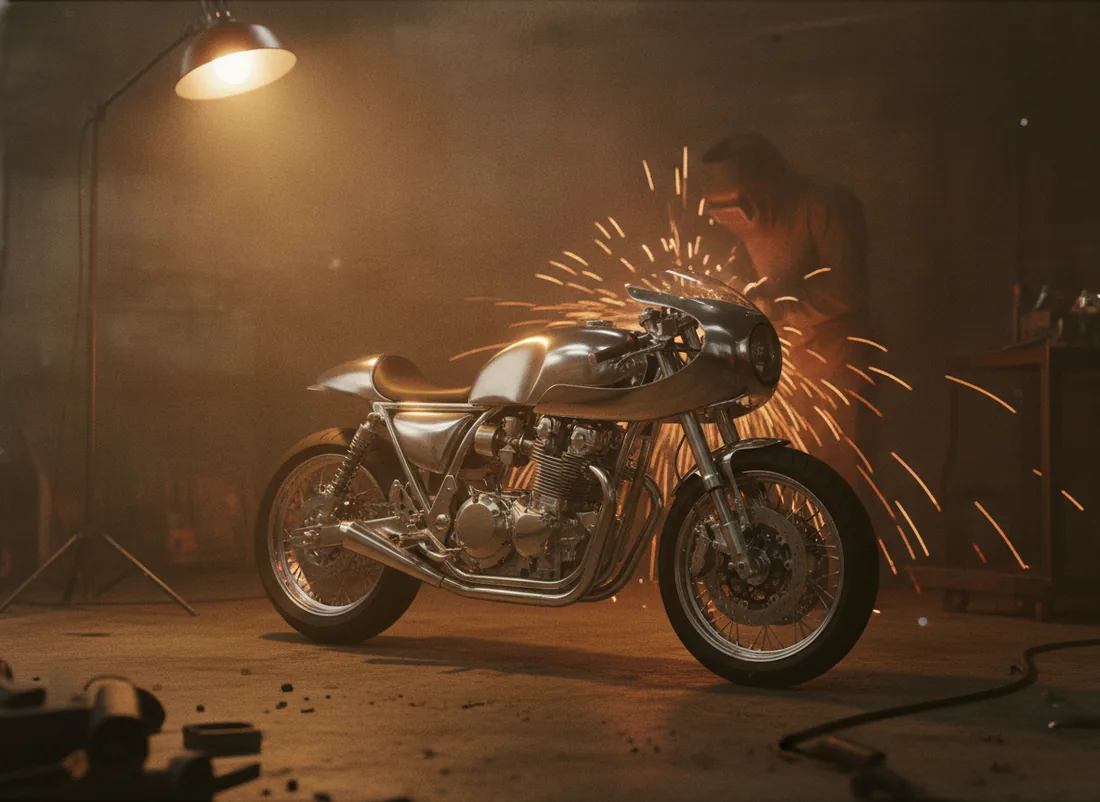
Pick a look and a move, then write the scene. The preset handles the prompt craft.
04 — Look book


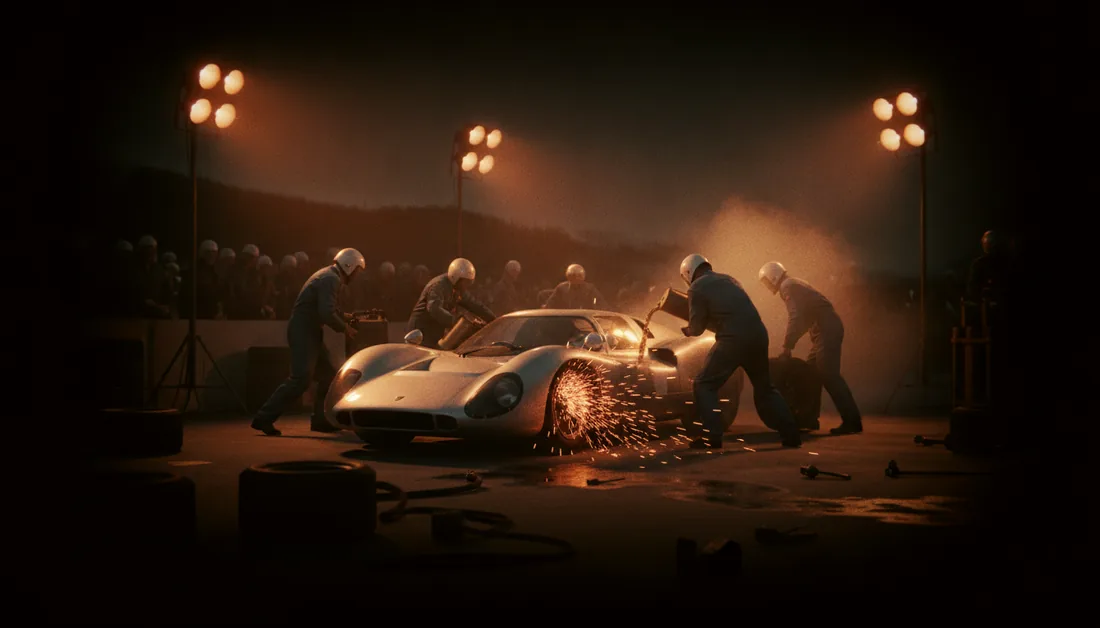
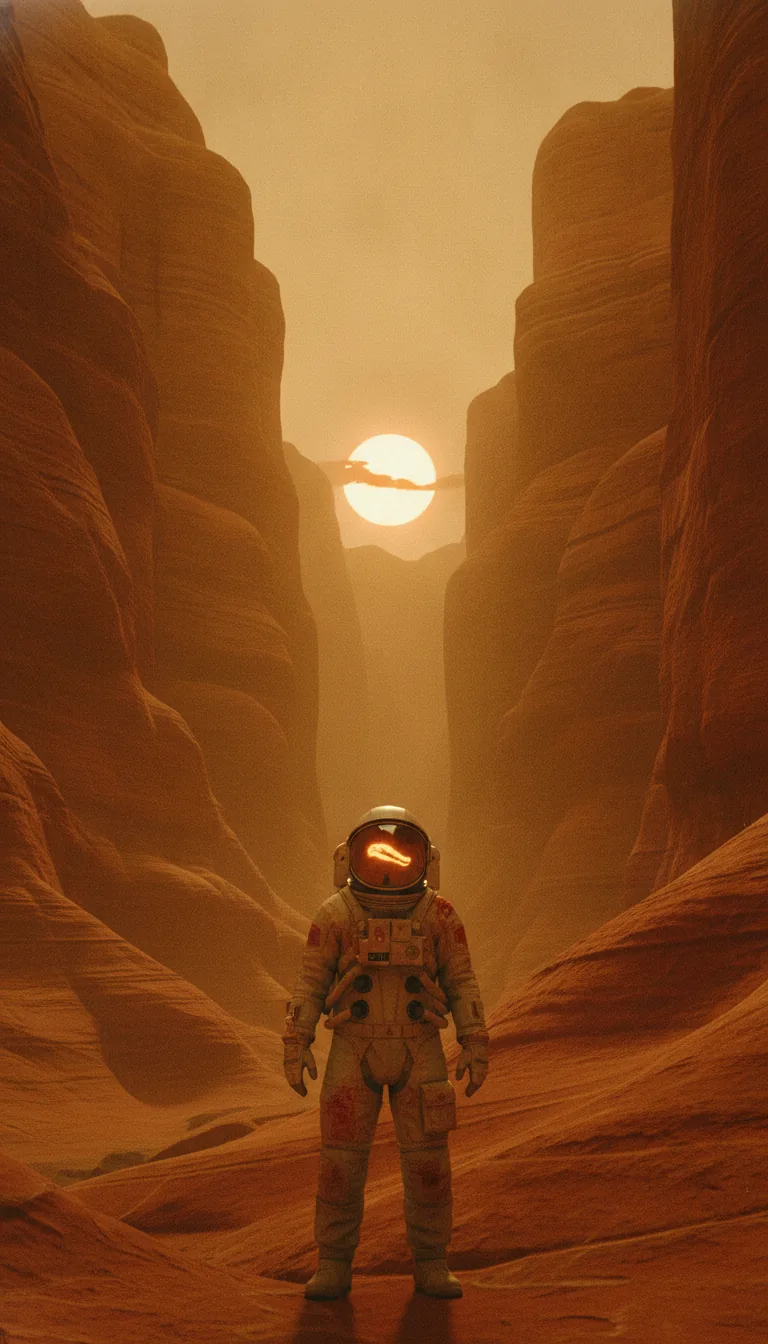
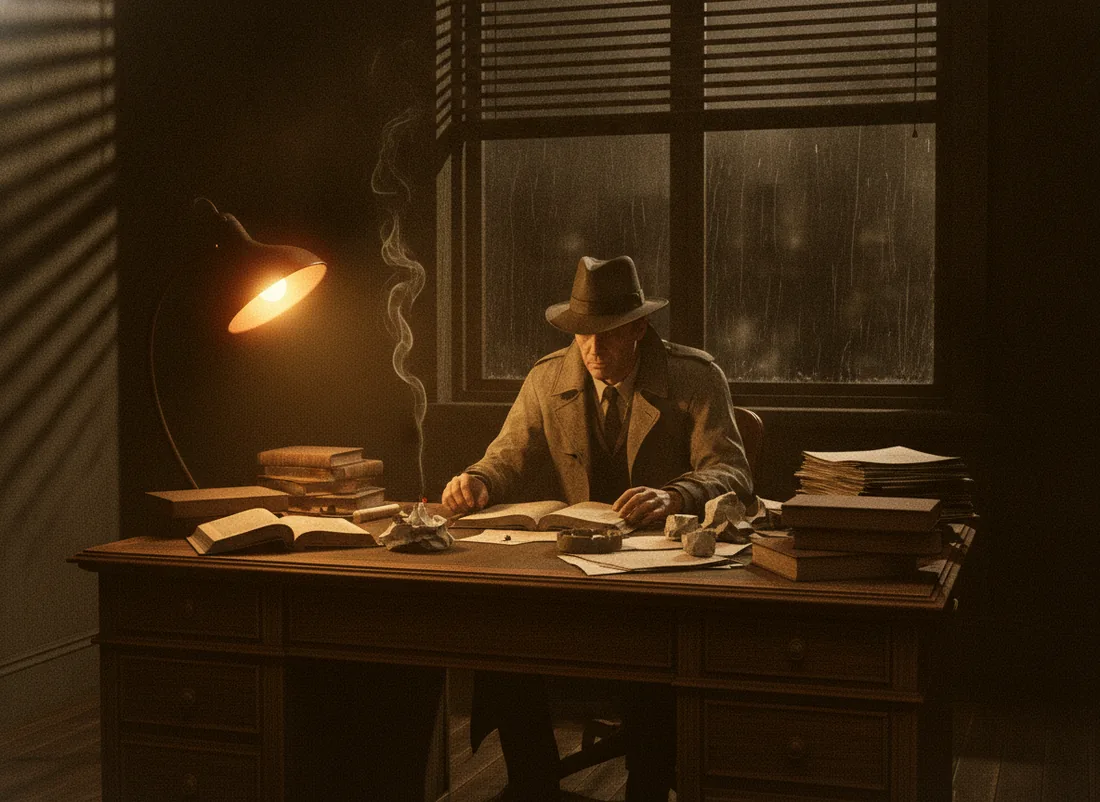
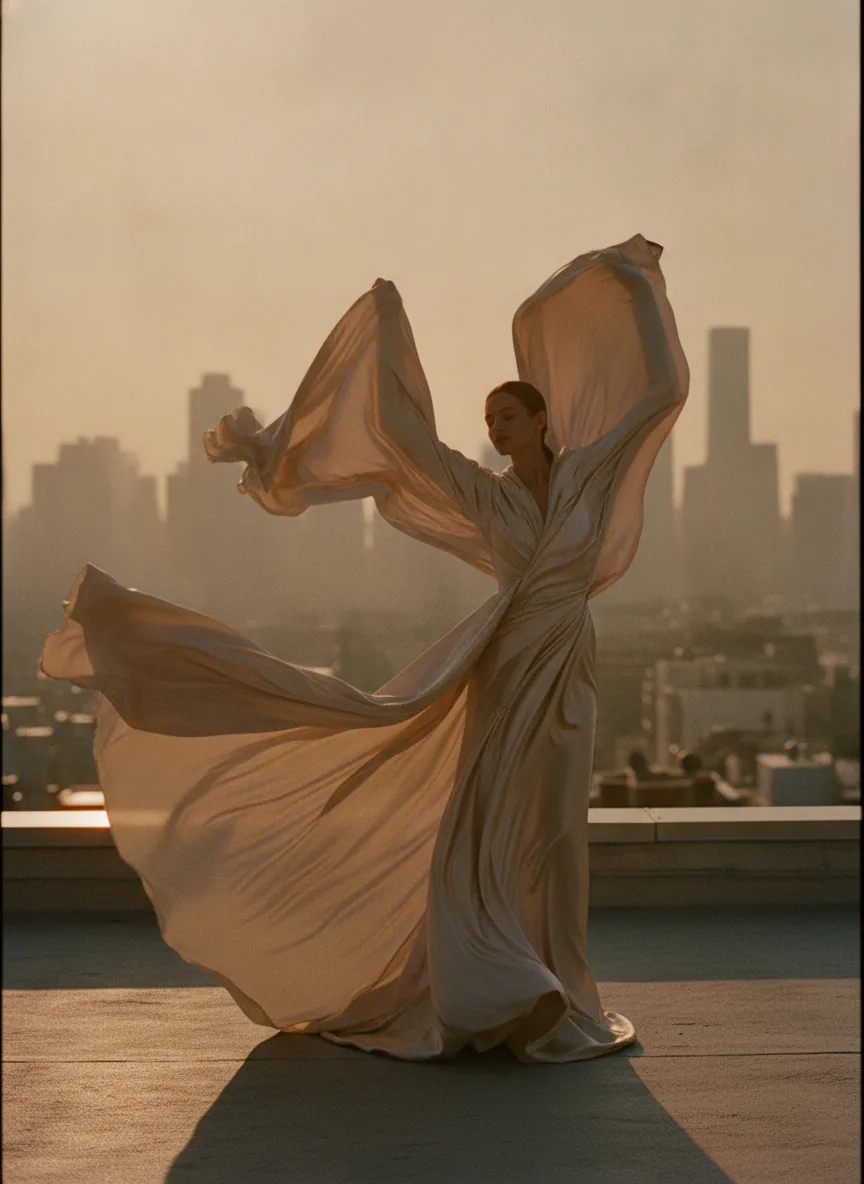
05 — Models
Connect the providers you already use. Agave routes each job to the model you pick.
06 — Free
No plans, no credits, no sign-in. Add an API key from a provider such as fal.ai and pay them directly for what you make. Every generation shows its estimated cost before you press Generate.
Every workflow, for everyone
You pay the provider, not us
Provider list pricenothing added on top
Apache License 2.0